What Is Digital Signage for Conferences? A Complete Guide for Event Organizers
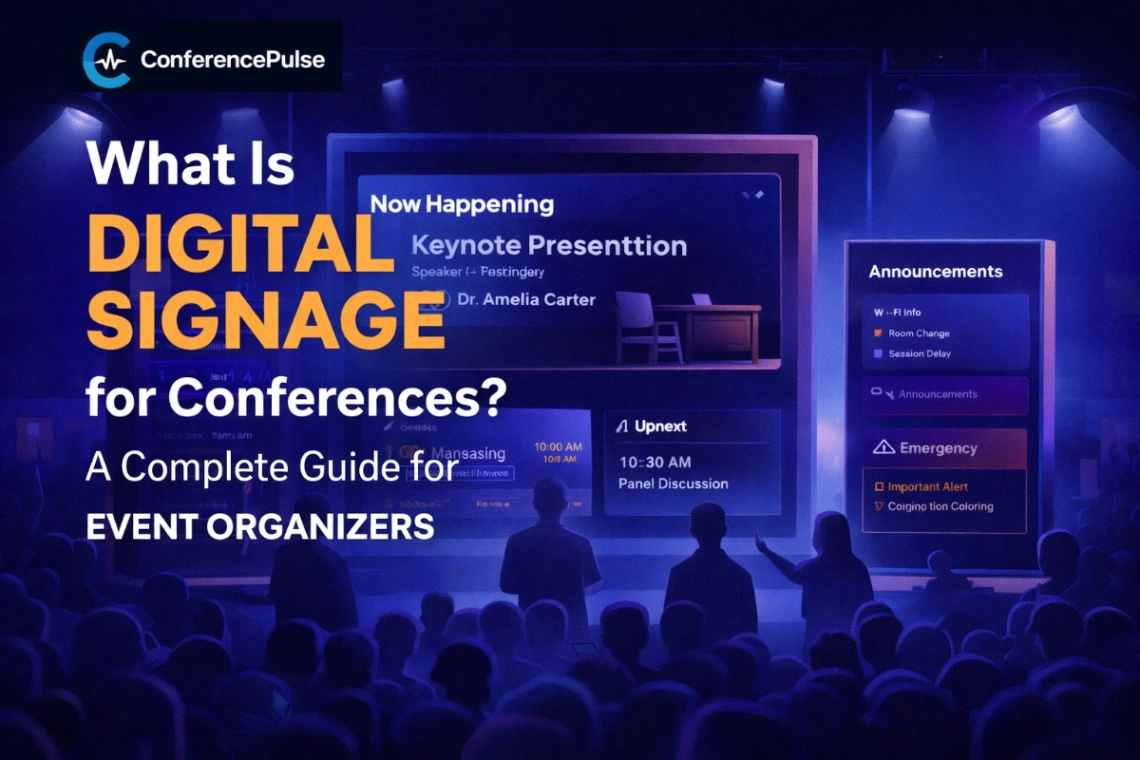
“Learn what conference digital signage is, how it works, and why event organizers use it to display live agendas, announcements, and room updates in real time.”
Mastering Conference Digital Signage: The Ultimate Guide to Live Event Communication
How real-time displays eliminate attendee confusion, streamline event operations, and elevate the overall event experience.
When people think about conference planning, they usually picture high-profile speakers, registration workflows, custom branding, sponsor pitch decks, and packed agenda schedules.
What they don’t always consider—until it suddenly becomes a major operational bottleneck—is a simple operational question: How will attendees know where to go, what is happening right now, and what changed five minutes ago?
That is where digital signage becomes one of the most practical and high-leverage tools in modern event management.
At any active conference, information moves fast. Sessions run over time, breakout rooms shift, flash announcements need to go out, and attendees inevitably drift into the wrong rooms. Printed schedules often become outdated before the first opening keynote is even finished. Digital signage solves this problem by converting static event schedules into live, readable displays that keep attendees informed across every corner of your venue.
In this guide, we’ll break down what digital signage for conferences actually means, why it matters, where to deploy it, and what event organizers should look for in a modern signage solution.
What is Digital Signage for Conferences?
At its core, digital signage for conferences refers to using networked screens, smart TVs, monitors, interactive kiosks, or display boards to stream real-time event information throughout a venue.
Instead of relying solely on physical printouts or rigid foam-core schedule boards, organizers use dynamic screens to display critical content, including:
Current live sessions happening right now
Upcoming sessions and start times
Room assignments and speaker track details
Agenda highlights and daily timelines
Sponsor messaging and partner activations
General attendee announcements and Wi-Fi credentials
Wayfinding & directional messaging
Emergency alerts or urgent schedule shifts
In simple terms: it is the modern standard for keeping thousands of attendees synchronized without reprinting paper posters or manually swapping static signs throughout the day.
Why Real-Time Signage Matters at Events
Conferences are dynamic by nature. Even the most meticulously planned events run into last-minute adjustments.
A keynote speaker’s flight is delayed. A popular breakout room fills to capacity faster than anticipated. Lunch service shifts by fifteen minutes. A sponsor activation kicks off early. An AV issue requires redirecting attendees across the hall.
When changes happen, attendees don't care why the plan shifted—they just want clear, accurate information instantly.
Digital signage gives event operations teams the agility to update screens instantly across the venue. This clear communication helps attendees understand five essential things:
What is happening now
What is coming up next
Where they need to go
What schedule changes occurred
What highlights they should pay attention to
By addressing these questions proactively, digital signage drastically cuts down on repeated staff inquiries, prevents hallway bottlenecks, and creates a polished, premium attendee experience.
Strategic Placement: Where to Deploy Signage
One of the greatest advantages of digital signage is content targeting. Different areas of a venue serve different functional needs:
1. Main Lobby Displays
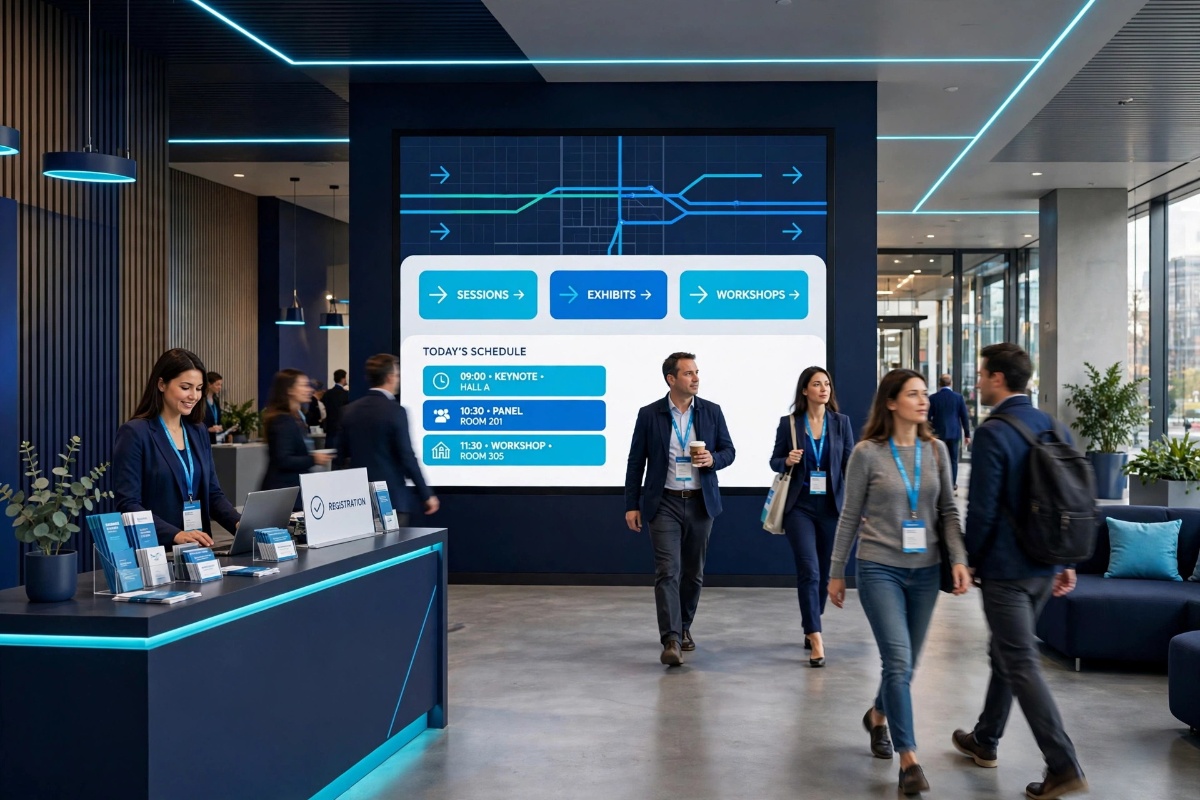
Lobby screens are the visual anchor of your conference. Positioned in high-traffic entryways, these displays act as the live pulse of the event.
Best used for: Primary sessions happening now, key upcoming highlights, major announcements, sponsor roll calls, and general welcome messages.
2. Breakout Room Screens
Positioned directly outside individual doors, room-specific displays prevent confusion for attendees moving between tracks.
Best used for: Current session title, upcoming presentation, speaker bios, room-specific agendas, and immediate delay notices.
3. Expo Hall & Common Areas
High-footprint zones where attendees gather to network or browse vendor booths.
Best used for: Sponsor activations, live demo schedules, meal/coffee break countdowns, and networking hour announcements.
4. Registration & Check-in Zones
Deploying screens near check-in helps stream line attendee intake from the moment they arrive.
Best used for: Badge pickup instructions, registration flow guidance, venue maps, and opening remarks timing.
5. Hallway & Wayfinding Nodes
Placed at major hallway intersections, these displays keep crowd movement flowing logically.
Best used for: Directional arrows, high-level track overviews, and quick glanceable timelines.
What Should Your Displays Show?
Effective event signage avoids visual clutter. The best displays prioritize key information that attendees can absorb in under three seconds while walking by.
Display Element
Strategic Purpose
Best Practices
Current Session
Immediate clarity on what is active right now.
Make this the largest, highest-contrast text block on the screen.
Next Session
Helps attendees plan their next movement early.
Position directly beneath or beside the current session block.
Compact Agenda
Provides broader context for the day's flow.
Use a clean, scannable timeline format with minimal text density.
Live Announcements
Delivers practical logistics and reminders.
Dedicate a designated ticker or side card for Wi-Fi, sponsor shoutouts, and survey links.
Emergency Alerts
Overrides standard layouts for critical notices.
Ensure the system can push high-visibility alerts instantly venue-wide.
Digital Signage vs. Printed Schedules
While printed programs still serve a purpose as welcome bag keepsakes, relying on them for live operational navigation carries significant drawbacks.
Feature
Printed Materials
Digital Signage
Adaptability
Static; inaccurate the moment a change occurs
Real-time updates push instantly across all screens
Information Quality
Risk of showing outdated session info
Always displays live, verified event data
Visual Presence
Passive paper or foam boards
Bright, modern, glanceable screens that draw attention
Scalability
Requires manual labor to re-print and replace
Centralized management across 1 or 100+ screens
Dynamic Content
Limited to text and static images
Supports announcements, video streams, and live tickers
What Makes Great Conference Signage?
Not all display setups are created equal. Poorly planned signage can create as much confusion as no signage at all. High-performing conference display systems share several key characteristics:
Clear Visual Hierarchy: The most critical details (like session titles and room numbers) dominate the visual layout.
Distance-Friendly Design: Typography and layout are engineered to be readable from 10–15 feet away in crowded corridors.
Real-Time Synchronization: Updates made in the backend management tool reflect on physical screens without requiring manual app restarts.
Location-Specific Screen Rules: Lobby screens show broad venue updates, while breakout screens focus strictly on room agendas.
Operational Reliability: Content continues playing smoothly even if venue Wi-Fi experiences temporary hiccups.
Common Signage Mistakes to Avoid
To ensure your displays deliver maximum value, avoid these common implementation pitfalls:
Overcrowded Layouts: Trying to squeeze a 20-page program onto a single 55-inch display renders it unreadable.
Undersized Typography: Using small body text forces attendees to stop and cluster around screens, blocking hallway traffic.
One-Size-Fits-All Content: Displaying the exact same broadcast across every single screen regardless of its location in the venue.
Neglecting Real-Time Plans: Failing to designate a team member responsible for updating screen content when schedule shifts occur.
Hiding the Active Session: Forcing attendees to hunt through a full-day schedule just to figure out what is currently happening.
The Impact on Attendee Experience
When event communication works seamlessly, attendees feel confident, oriented, and relaxed.
They spend less time wandering halls or bothering staff for basic directions. They transition smoothly between sessions, engage more naturally with sponsors, and stay on top of daily agenda shifts without having to constantly check an app on their phones.
For event organizers, this operational efficiency translates directly into positive feedback. A conference may feature world-class speakers, but if attendees feel lost or confused about timing, their perception of the entire event drops. Digital signage bridges that gap cleanly.
Streamline Your Next Event with ConferencePulse
ConferencePulse is built specifically to handle the demands of live event communication.
Our platform empowers event ops teams to manage every screen across their venue from a single, secure console:
Highlight current live sessions automatically with high visual prominence
Feature upcoming presentations directly below live tracks
Display a clean, glanceable day agenda tailored to specific screen zones
Broadcast real-time announcements and emergency updates instantly
Manage multi-room, multi-screen networks without technical overhead
Whether you are managing a single main-stage lobby or an expansive convention center across multiple floors, ConferencePulse ensures your attendees stay informed, on time, and focused on the content that matters.
Ready to level up your conference displays?
Discover how ConferencePulse keeps your screens, agendas, and announcements synchronized effortless from one powerful dashboard.
Was this insight helpful?
Share your reaction with fellow event organizers.
TechiLounge
Event technology specialists and digital signage engineers at ConferencePulse, focused on responsive agenda updates and practical conference operations.